4-Digit LED Clock
A red LED clock on the kit's 4-digit display, with a blinking colon and buttons to set the time.
Board: Arduino UNO (Elegoo UNO R3)
Work in progress. The code is done, but I stopped before finishing the wiring: 12 pins and 4 resistors on a tiny breadboard was too fiddly. The Thermometer + Clock does the same job with a screen and fewer headaches.
What you need
What it is
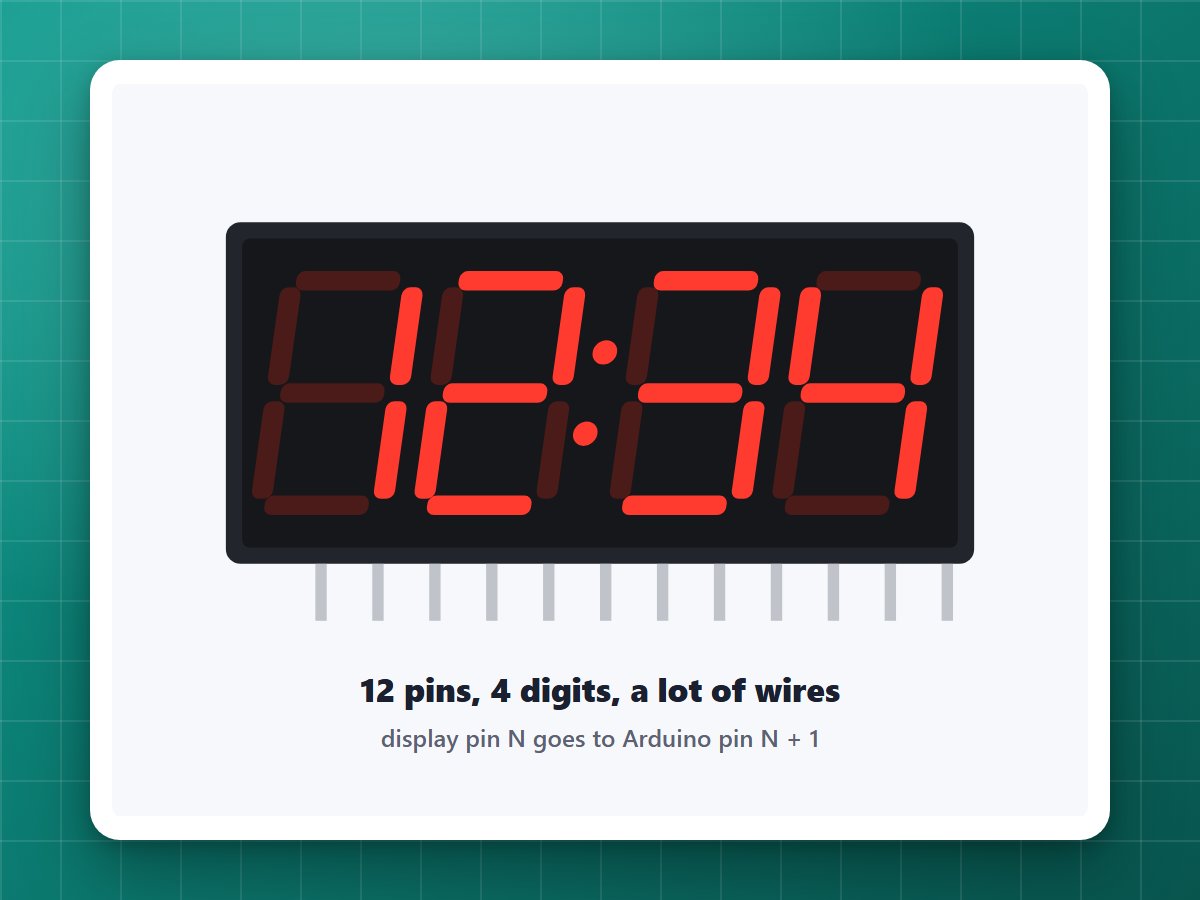
A bright red clock like an old alarm clock, on the 4-digit display from the starter kit. The dots between the hours and minutes blink every second, and in 12-hour mode a dot in the corner means PM.
How it works
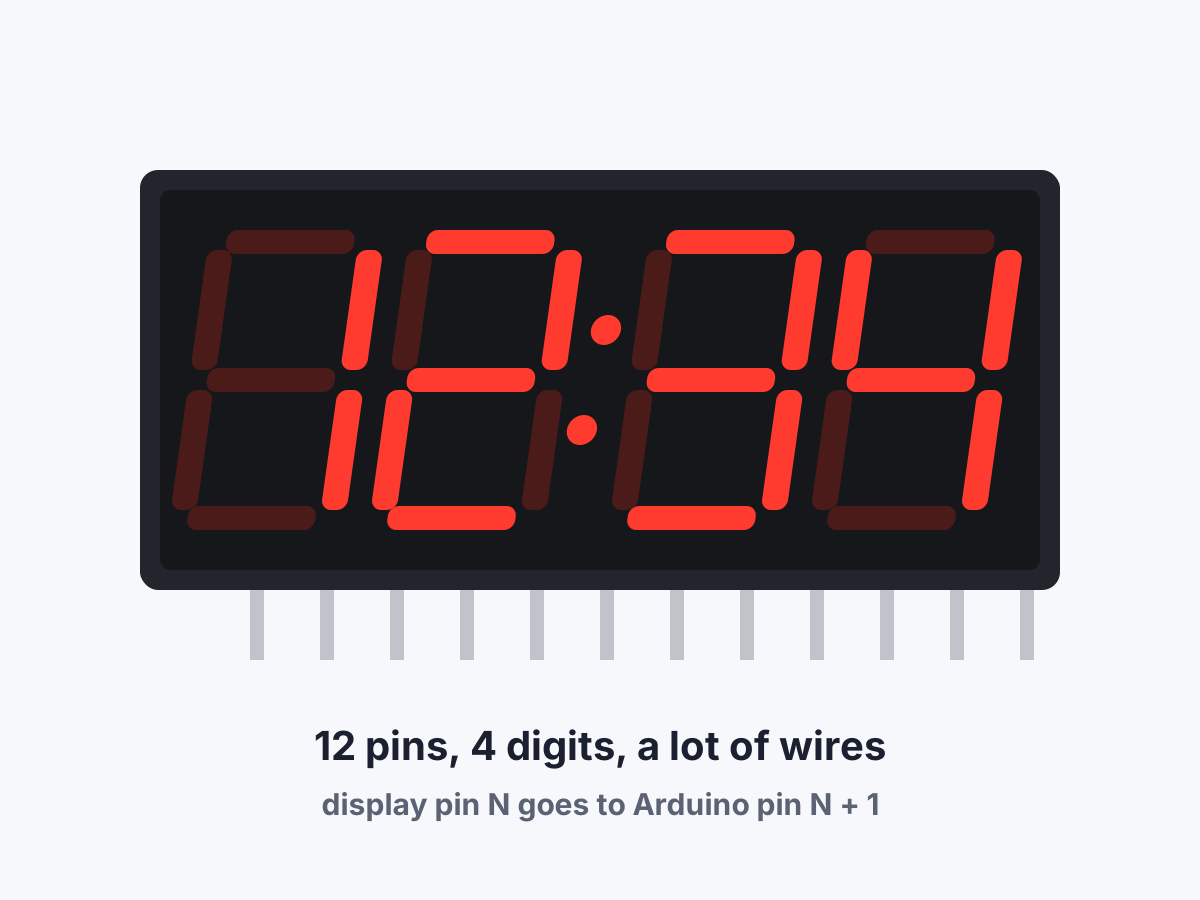
- Each digit is 8 little LEDs (7 bars plus a dot). All four digits share the same 8 bar wires, and each digit has its own "on" pin.
- Only one digit is lit at a time. The program lights digit 1, then 2, then 3, then 4, hundreds of times a second. It's so fast your eyes see all four at once.
- The resistors go on the four digit pins to protect the LEDs.
- No clock chip: the kit doesn't have one, so the Arduino counts the time itself and forgets it when unplugged. Set it from the computer or with two buttons.
Build it
1Place the display
Put the display across the middle gap of the breadboard. Pin 1 is bottom left when the dots are at the bottom.
2Wire it
The rule is simple: display pin N goes to Arduino pin N + 1. So display pin 1 goes to Arduino pin 2, display pin 2 to pin 3, and so on up to display pin 12 to Arduino pin 13.
The four digit pins (display pins 6, 8, 9 and 12) go through a 220 ohm resistor on the way.
3Buttons (optional)
A button between A0 and GND adds an hour, and a button between A1 and GND adds a minute. Hold one down to go faster.
4Set the time
In the Serial Monitor (9600 baud, Newline), type the time like T 14:30:00. Type ? to see what time it thinks it is.
Settings
At the top of the code:
USE_24_HOURpicks 14:30 or 2:30.COMMON_ANODE: false for a 5461AS display (the kit's), true for a 5461BS.MICROS_PER_SECOND: raise it a little if the clock runs fast, lower it if it runs slow.
If it doesn't work
- Everything is dark, or every segment is lit: you may have the other kind of display. Flip
COMMON_ANODE. - Wrong segments light up: a wire is one hole off. Recheck "pin N goes to N + 1" one wire at a time.
The code
Copy it into the Arduino app, or download the file. New to this? Start with Getting started.
Download all the code (.zip)// A clock for the 4-digit display in the Elegoo UNO R3 Super Starter Kit.//// Wiring: display pin N goes to Arduino pin N+1 (display pin 1 -> Arduino 2,// ... display pin 12 -> Arduino 13). The four "digit" pins of the display// (6, 8, 9 and 12) go through a 220 ohm resistor on the way.//// Setting the time:// - From the computer: send a line like "T 14:30:00" over USB.// Send "?" to ask the clock what time it thinks it is.// - With buttons (optional): a button between A0 and GND adds an hour,// a button between A1 and GND adds a minute. Hold a button to go faster.//// The dot after the second digit blinks every second. In 12-hour mode the// dot in the bottom-right corner means PM.// ---------- Settings you can change ----------const bool USE_24_HOUR = false; // true = 14:30, false = 2:30const bool COMMON_ANODE = false; // false for a 5461AS display, true for a 5461BSconst unsigned long MICROS_PER_SECOND = 1000000; // raise if the clock runs fast, lower if slow// ---------- Pins ----------// Segment pins in the order A, B, C, D, E, F, G, dot.const byte SEGMENT_PINS[8] = {12, 8, 5, 3, 2, 11, 6, 4};// Digit pins, left to right.const byte DIGIT_PINS[4] = {13, 10, 9, 7};const byte SEGMENT_ON = COMMON_ANODE ? LOW : HIGH;const byte SEGMENT_OFF = COMMON_ANODE ? HIGH : LOW;const byte DIGIT_ON = COMMON_ANODE ? HIGH : LOW;// Which segments make each number. Bit 0 is segment A, bit 6 is segment G.const byte NUMBERS[10] = { 0b00111111, // 0 0b00000110, // 1 0b01011011, // 2 0b01001111, // 3 0b01100110, // 4 0b01101101, // 5 0b01111101, // 6 0b00000111, // 7 0b01111111, // 8 0b01101111, // 9};const byte DOT = 0b10000000;struct Button { byte pin; bool held; unsigned long lastDownMillis; unsigned long nextRepeatMillis;};Button hourButton = {A0};Button minuteButton = {A1};long secondsToday = 0; // time of day, in seconds since midnightbool timeIsSet = false; // until it is, the display flashesunsigned long lastTickMicros;byte frame[4]; // the segments each digit is showing right nowvoid setup() { for (byte s = 0; s < 8; s++) { pinMode(SEGMENT_PINS[s], OUTPUT); digitalWrite(SEGMENT_PINS[s], SEGMENT_OFF); } for (byte d = 0; d < 4; d++) { pinMode(DIGIT_PINS[d], INPUT); // INPUT = disconnected, so the digit stays dark } pinMode(hourButton.pin, INPUT_PULLUP); pinMode(minuteButton.pin, INPUT_PULLUP); Serial.begin(9600); Serial.println("Clock ready. Send the time like this: T 14:30:00"); lastTickMicros = micros();}void loop() { keepTime(); readComputer(); if (clicked(hourButton)) addHour(); if (clicked(minuteButton)) addMinute(); drawTime(); refreshDisplay();}// Counts the seconds. Works off the Arduino's own crystal, so it can drift// a little over days.void keepTime() { while (micros() - lastTickMicros >= MICROS_PER_SECOND) { lastTickMicros += MICROS_PER_SECOND; secondsToday = (secondsToday + 1) % 86400L; }}void setTime(long seconds) { secondsToday = seconds % 86400L; lastTickMicros = micros(); timeIsSet = true;}void addHour() { secondsToday = (secondsToday + 3600) % 86400L; timeIsSet = true;}// Adds a minute (without changing the hour) and restarts the seconds at :00.void addMinute() { long hours = secondsToday / 3600; long minutes = (secondsToday / 60 % 60 + 1) % 60; setTime(hours * 3600 + minutes * 60);}// Reads lines sent from the computer, one letter at a time, so the display// keeps running while a message is arriving.void readComputer() { static char line[20]; static byte length = 0; while (Serial.available()) { char c = Serial.read(); if (c == '\n' || c == '\r') { line[length] = '\0'; handleCommand(line); length = 0; } else if (length < sizeof(line) - 1) { line[length++] = c; } }}void handleCommand(const char *line) { int h, m, s; if (sscanf(line, "T %d:%d:%d", &h, &m, &s) == 3 && h >= 0 && h < 24 && m >= 0 && m < 60 && s >= 0 && s < 60) { setTime(h * 3600L + m * 60L + s); Serial.print("Time set to "); printTime(); } else if (line[0] == '?') { printTime(); }}void printTime() { char text[9]; sprintf(text, "%02d:%02d:%02d", (int)(secondsToday / 3600), (int)(secondsToday / 60 % 60), (int)(secondsToday % 60)); Serial.println(text);}// Returns true once when a button is pressed, then again every so often// while it is held down.bool clicked(Button &b) { unsigned long now = millis(); if (digitalRead(b.pin) == LOW) { b.lastDownMillis = now; if (!b.held) { b.held = true; b.nextRepeatMillis = now + 600; return true; } if ((long)(now - b.nextRepeatMillis) >= 0) { b.nextRepeatMillis = now + 150; return true; } } else if (b.held && now - b.lastDownMillis > 50) { b.held = false; // only counts as let go once it has stayed up a moment } return false;}// Works out what each of the four digits should show.void drawTime() { int hours = secondsToday / 3600; int minutes = secondsToday / 60 % 60; bool pm = hours >= 12; if (!USE_24_HOUR) { hours = hours % 12; if (hours == 0) hours = 12; } bool firstHalfOfSecond = micros() - lastTickMicros < MICROS_PER_SECOND / 2; frame[0] = (hours >= 10 || USE_24_HOUR) ? NUMBERS[hours / 10] : 0; // no "0" in front of 1-9 frame[1] = NUMBERS[hours % 10]; frame[2] = NUMBERS[minutes / 10]; frame[3] = NUMBERS[minutes % 10]; if (firstHalfOfSecond) frame[1] |= DOT; if (pm && !USE_24_HOUR) frame[3] |= DOT; // Until the time has been set, flash on and off like a microwave clock. if (!timeIsSet && !firstHalfOfSecond) { for (byte d = 0; d < 4; d++) frame[d] = 0; }}// Lighting every LED at once would pull too much power through the Arduino's// pins, so this lights one segment on at most two digits at a time and steps// through all 16 combinations about 100 times a second. That's too fast for// your eye to notice, so the numbers look steady.void refreshDisplay() { static byte slot = 0; static unsigned long lastSlotMicros = 0; if (micros() - lastSlotMicros < 600) return; lastSlotMicros = micros(); for (byte d = 0; d < 4; d++) pinMode(DIGIT_PINS[d], INPUT); for (byte s = 0; s < 8; s++) digitalWrite(SEGMENT_PINS[s], SEGMENT_OFF); byte segment = slot / 2; byte firstDigit = (slot % 2) * 2; for (byte d = firstDigit; d < firstDigit + 2; d++) { if (frame[d] & (1 << segment)) { pinMode(DIGIT_PINS[d], OUTPUT); digitalWrite(DIGIT_PINS[d], DIGIT_ON); } } digitalWrite(SEGMENT_PINS[segment], SEGMENT_ON); slot = (slot + 1) % 16;}Optional (Windows): sends the computer's time to the clock.
# Sends this computer's current time to the Arduino clock over USB.# Opening the connection restarts the Arduino, so this waits for it to wake up first.param([string]$Port = 'COM10')$serial = New-Object System.IO.Ports.SerialPort $Port, 9600$serial.DtrEnable = $true$serial.NewLine = "`n"$serial.Open()Start-Sleep -Milliseconds 2500$serial.DiscardInBuffer()# Wait for the start of the next second so the clock lines up exactly.Start-Sleep -Milliseconds (1000 - (Get-Date).Millisecond)$serial.WriteLine("T " + (Get-Date).ToString("HH:mm:ss"))Start-Sleep -Milliseconds 300$serial.ReadExisting()$serial.Close()