Heartbeat Blink
The very first program: no wires at all. The little light on the board blinks like a heartbeat, and it says hello to your computer.
Board: Any Arduino UNO
What you need
What it is
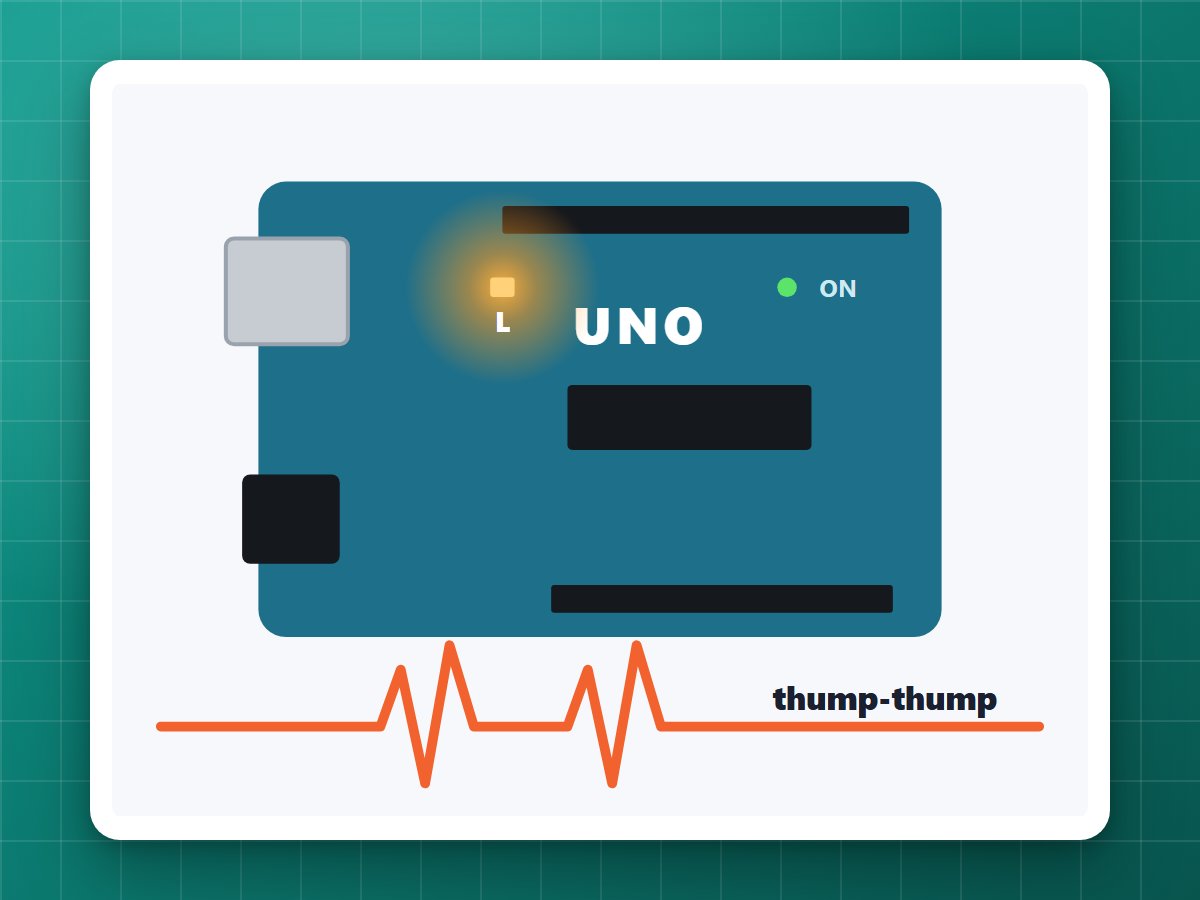
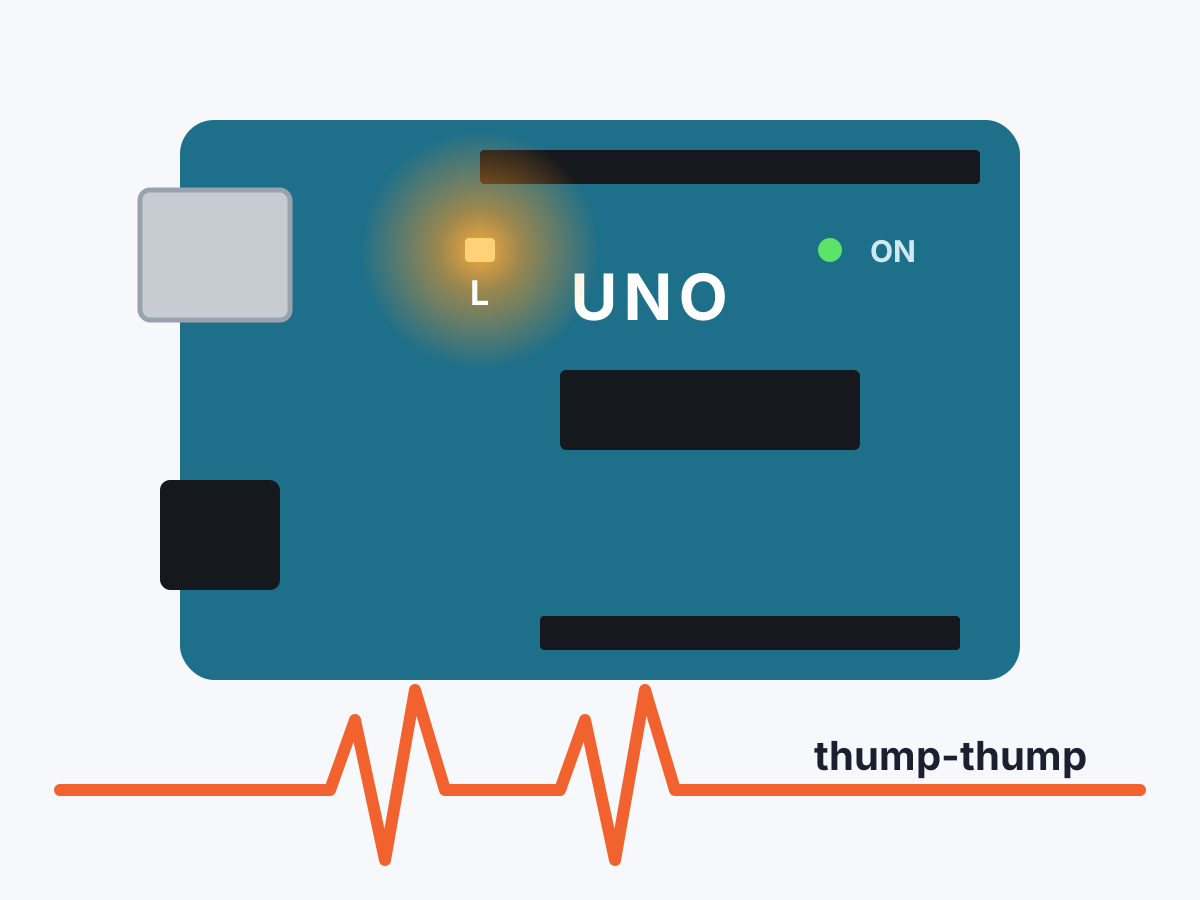
Every Arduino adventure starts with a blinking light. This one blinks the board's built-in L light in a heartbeat pattern (two quick blinks, then a pause) and sends "thump-thump" to the computer with every beat.
It's the perfect way to check that your board, cable and Arduino app all work before you build anything bigger. I use it to test every new board.
How it works
setup()runs once when the board turns on. It makes pin 13 (the one wired to the L light) an output and starts talking to the computer.loop()runs over and over, forever: light on, wait 100 ms, off, wait 100 ms, on, wait, off, then a longer 700 ms pause.
Build it
1Plug in
Plug the board into the computer. Nothing else.
2Upload
Copy the code below into the Arduino app and click Upload. Getting started shows how, step by step.
3Watch and listen
The L light starts its heartbeat. Open the Serial Monitor at 9600 baud: it says Hello from your Arduino! and then thump-thump with every beat.
Try changing it
- Make the heart beat faster: change
delay(700)todelay(300). - Make it a triple beat: copy the on/off lines one more time.
- Change the message in
Serial.println("thump-thump")to anything you like.
The code
Copy it into the Arduino app, or download the file. New to this? Start with Getting started.
// My first Arduino program: makes the little "L" light on the board// blink in a heartbeat pattern (two quick blinks, then a pause).// setup() runs once, when the board turns on.void setup() { pinMode(LED_BUILTIN, OUTPUT); // the built-in light is on pin 13 Serial.begin(9600); // lets the board send messages to the computer Serial.println("Hello from your Arduino!");}// loop() runs over and over, forever.void loop() { digitalWrite(LED_BUILTIN, HIGH); // light ON delay(100); // wait 100 milliseconds (1/10 of a second) digitalWrite(LED_BUILTIN, LOW); // light OFF delay(100); digitalWrite(LED_BUILTIN, HIGH); // second quick blink delay(100); digitalWrite(LED_BUILTIN, LOW); delay(700); // longer pause before the next heartbeat Serial.println("thump-thump");}